Lab Sales Route Planning vs Google Maps
MedRoute Team
Founder, MedRoute AI
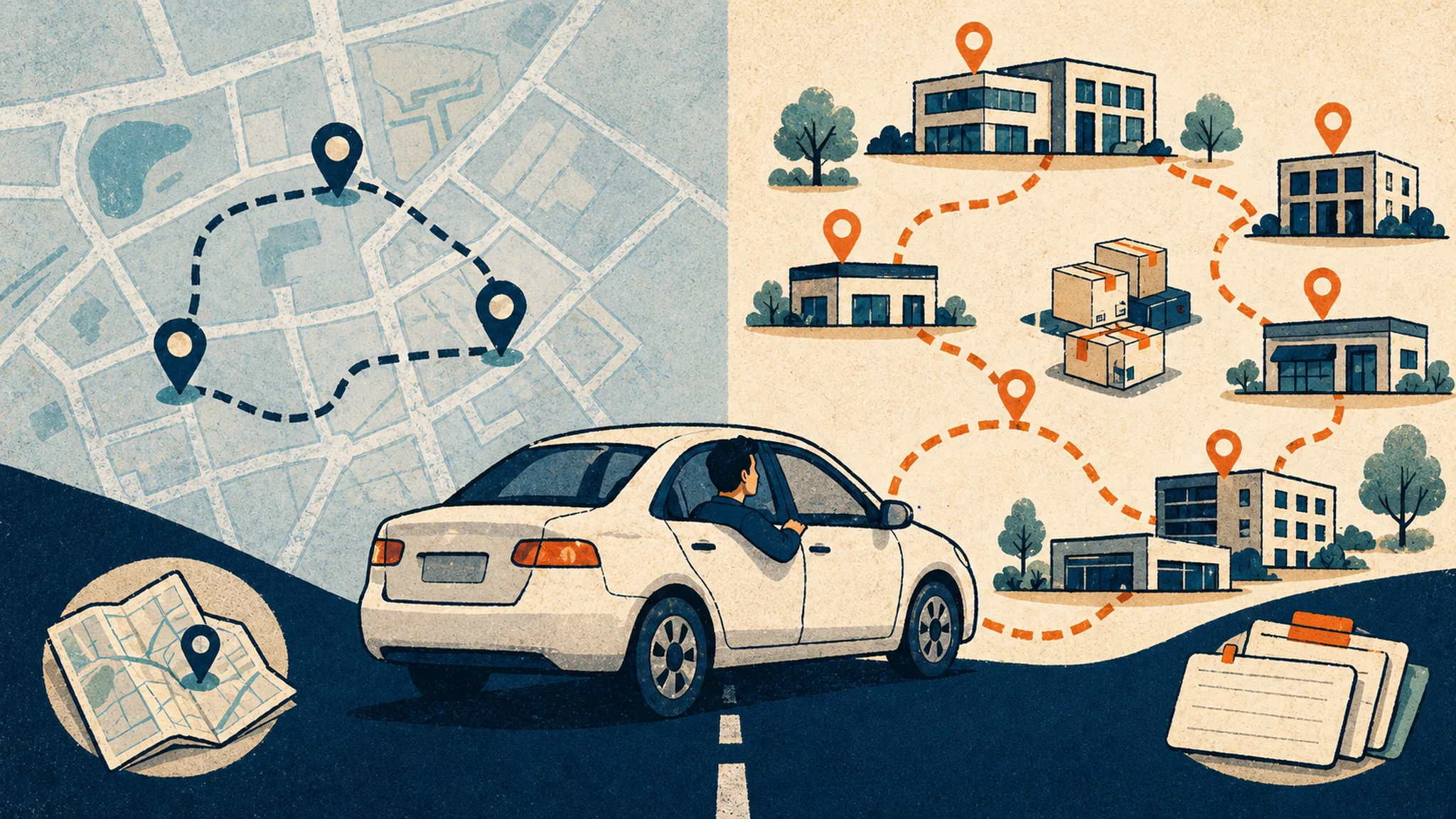
Lab sales route planning vs Google Maps is not a fight between good and bad tools. It is a question of fit. Sales route optimization is the practice of sequencing account stops, drive legs, and timing constraints so a rep can spend less of the day rebuilding the map.
This post is for lab sales reps, diagnostic sales reps, reference lab reps, POL sellers, and managers who need a route that respects access windows and follow-up. If your facility list is already bigger than a quick errand run, MedRoute for lab sales reps is built to turn that list into a route without burying field judgment.
TL;DR
- Google Maps is useful for simple, short routes with a clear order.
- Lab routes break when stop count, account priority, and access windows collide.
- Use route planning before map directions when the day has business constraints.
- MedRoute fits larger lab territory loops that need optimization, edits, saves, and visibility.
Table of contents
- What is lab sales route planning vs Google Maps?
- Where Google Maps helps
- Where Google Maps breaks for lab reps
- Copyable decision checklist
- Where MedRoute fits
What is lab sales route planning vs Google Maps?
Google Maps is a directions tool. Lab sales route planning is the field plan around those directions. It decides which accounts deserve the day, which stops cannot move, which POLs can be batched, and which follow-up promises should change the order.
The difference matters as soon as the route has more than a few flexible stops. A map can tell you how to drive from Account A to Account B. It does not know that Account C has a 9:40 a.m. lab director window, Account D needs kit support before lunch, and Account E is a cold drop-in that can wait.
What is the difference between lab sales route planning and Google Maps? Lab sales route planning decides the business order of the day before a rep asks a map for directions. Google Maps Help explains that users can add multiple destinations, with a practical limit of 9 stops in the consumer workflow. That is enough for many errands, but it can be tight for a lab rep who has 1 fixed lab director meeting, 4 nearby POL checks, 2 urgent care follow-ups, 1 kit issue, and an afternoon reference lab call. MedRoute fills the gap after the rep chooses the right accounts: it supports larger multi-stop routes in practical chunks, lets the rep adjust stop order, and saves loops for recurring territory coverage. The map still matters, but it should not be the whole call plan.
Where Google Maps helps
Google Maps is still the right tool for a simple drive. If you have 3 confirmed stops, a known order, and no account triage, it gets you there. It is also useful when you need a quick single-leg drive time between two facilities.
The problem starts when a rep asks it to become a territory planner. A full lab day is not just origin, destination, and drive time. It includes priority accounts, office manager access, specimen kit follow-up, lunch-and-learn timing, and the accounts your manager will ask about on Friday.
If stop count is your only issue, read the companion guide on the Google Maps stop limit for lab sales reps. If the issue is weekly structure, start with the lab sales route planning template before comparing tools.
Where Google Maps breaks for lab reps
Lab reps do not lose the day because a map is bad. They lose the day when the map becomes the planning system. A closest-first route can put a low-value drop-in before a 15-minute decision maker window. It can also make a kit issue feel optional because it sits on the wrong side of the morning.
The other failure is reuse. If the route worked, you should not have to rebuild it from scratch next week. A territory loop gets more useful when the rep can save the pattern, adjust the few stops that changed, and keep the account logic visible.
Try the lab route before the map
MedRoute is browser-based, built by field reps, and made for multi-stop healthcare routes that need more than a consumer map.
Plan your first routeWhy can Google Maps break down for lab sales reps? It breaks down when the route needs to protect field constraints that are not just addresses. The U.S. Bureau of Labor Statistics describes wholesale and manufacturing sales representatives as traveling to customers and prospects, with some covering large territories and handling appointments, client problems, and reports. Lab reps add facility-specific timing to that pattern. That is a planning problem. A POL visit may take 10 minutes, a hospital lab director meeting may take 30 minutes, and a reference lab follow-up may depend on a promised callback. When those constraints live in a spreadsheet, memory, and a consumer map at the same time, the route gets fragile. MedRoute keeps route order closer to the rep's account logic, which matters when the day changes at 10:15 a.m.
Lab sales route planning vs Google Maps comparison table
| Field need | Google Maps | MedRoute |
|---|---|---|
| Simple directions | Strong fit for point-to-point driving | Uses directions after the route list is built |
| More than a small stop list | Rep splits the plan into smaller maps | Supports large routes in chunks around 25 waypoints |
| Account priority | Order depends on what the rep manually enters | Rep can plan, optimize, then drag stops when judgment wins |
| Recurring territory loop | Often rebuilt or reshared by hand | Save and reload the routes that worked |
| Manager visibility | Usually screenshots, texts, or spreadsheet notes | Admin reports help managers see route activity |
Copyable decision checklist
Use this before you spend 20 minutes rebuilding tomorrow's route. If most answers land in the second column, use a field-sales route planner first and directions second.
Lab sales route tool decision checklist
Date:
Territory segment:

Google Maps is probably enough when:
- The route has 3 to 5 stops.
- The order is already obvious.
- No fixed access window controls the day.
- You do not need to save the route for later.

Use MedRoute first when:
- The route has more stops than one simple map handles well.
- Account priority matters more than closest-first driving.
- A lab director, POL, urgent care, or kit issue has a time window.
- You need to drag stops after the field changes.
- You want to save the loop for the next territory pass.

Route decision:
- Must-see accounts:
- Flexible accounts:
- Stops MedRoute should optimize:
- Loop worth saving:
For a shorter field example, use the same logic to batch four lab accounts in one morning. The same rule applies: decide which accounts matter before you let mileage make the call.
Where MedRoute fits
MedRoute fits between the spreadsheet and the directions app. The rep still chooses the accounts. The software helps turn that account list into a faster drive order, keeps the route editable, and makes recurring loops easier to reuse.
That matters most for lab teams that cover the same geography again and again. A good loop is not a one-time trick. It becomes a repeatable territory asset when the rep can reload it, adjust the live account mix, and keep moving.
When should a lab rep use MedRoute instead of Google Maps alone? Use MedRoute when the route has enough stops, priority rules, or reuse value that directions are no longer the first problem. Google Routes API documentation explains that waypoint optimization can rearrange intermediate stops for a more efficient route when an app enables that capability. MedRoute uses Google Maps directions and waypoint optimization, then wraps it in a rep-first workflow: larger route chunks, drag-and-drop reorder, saved routes, reloadable loops, and admin reporting. That does not replace account judgment. It gives the rep a better place to apply it. If the day has 12 to 25 stops, a fixed lab director window, and follow-up promises from last week, start with the route plan. Then use directions to drive it. That sequence keeps field intent intact.
The bottom line
Google Maps is useful when the route is small and the order is obvious. Lab sales route planning earns its keep when account priority, access windows, stop count, and recurring loops all matter at once. Put the rep decision first, optimize the flexible stops, and save what worked. When your next territory day is too big for a quick map, build the route in MedRoute.
Frequently asked questions
How do lab sales reps plan territory routes?
Lab sales reps plan territory routes by locking fixed access windows first, then grouping flexible nearby accounts. A strong plan protects lab director meetings, POL kit checks, urgent follow-up, and lunch-and-learn timing before mileage. Route optimization should order only the stops that can move.
What is the best route planning method for lab reps?
The best method is constraint-first route planning. Choose must-see accounts, access windows, sample logistics, and follow-up promises before mileage. Then optimize the flexible stops. That keeps a rep from letting a short drive outrank the account that can actually move the territory.
How many lab accounts can a rep visit in one morning?
A realistic morning is often 3 to 5 lab accounts, depending on drive time, visit length, and access. Four short POL or urgent care stops can work if they are close together. One lab director meeting, kit issue, or lunch-and-learn can reduce that number fast.
Should lab reps optimize by mileage or account priority first?
Lab reps should optimize by account priority first when a stop has business value, a narrow access window, or promised follow-up. Mileage comes next. A shorter route can still be wrong if it misses a lab director, office manager, specimen kit issue, or time-sensitive callback.
About the author
Brandon Worley
Brandon Worley is the founder of MedRoute AI. He carried a territory as a field medical sales rep, then built and ran a 450-person medical sales team. Today he trains medical sales reps and teams full-time, and built MedRoute from the pain points he and the reps he trains experienced in the field every day.
Connect on LinkedInKeep reading
Google Maps Stop Limit Lab Sales Reps Hit
A practical guide for lab reps who hit the Google Maps stop limit and need to split, optimize, and save bigger territory routes without losing account priority.
ReadRoute PlanningLab Sales Route Planning Template for Weekly Territory Loops
A practical weekly template for lab reps who need to protect fixed account windows, group flexible stops, and save repeatable territory loops.
ReadWant these tactics easier to execute?
MedRoute AI is the tool Brandon built to make every tactic in this library 10x easier.