Lab Sales Route Planning Template for Weekly Territory Loops
MedRoute Team
Founder, MedRoute AI
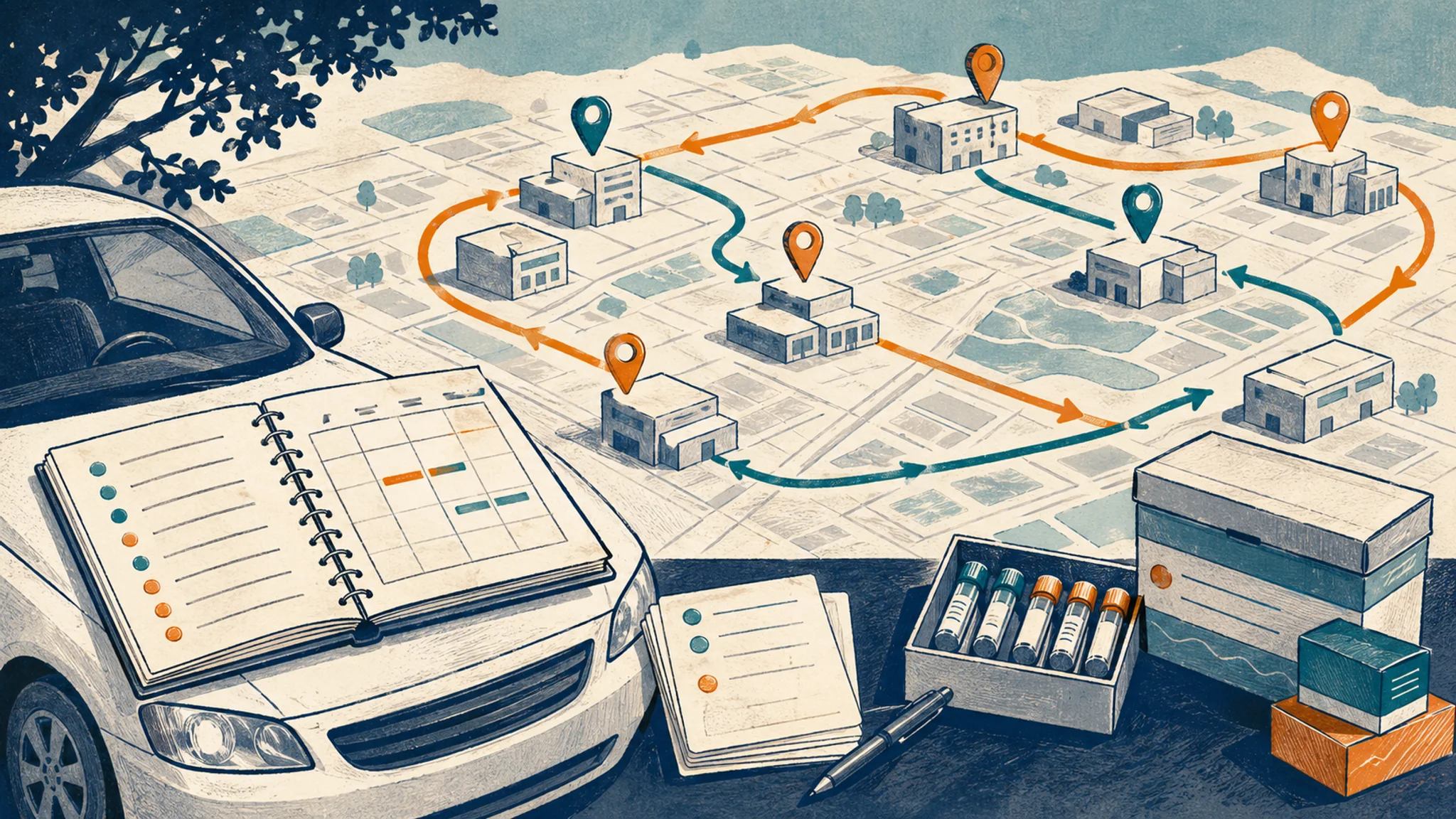
A lab sales route planning template is a reusable weekly worksheet for deciding which accounts must be seen, which stops can move, and which route loops are worth saving. It keeps a rep from treating a lab director window, a POL kit drop, and a cold account activation like the same kind of stop.
This post is for lab sales reps, diagnostic sales reps, reference lab reps, POL sellers, and managers who need a field plan that survives Monday morning changes. If your account list is already built, MedRoute for lab sales reps can help turn the flexible stops into a route you can actually drive.
TL;DR
- Start the template with fixed access windows before you touch mileage.
- Separate specimen logistics, follow-up promises, and priority accounts.
- Batch flexible POL, urgent care, and reference lab stops after constraints are clear.
- Save the route loops that worked so next week starts faster.
Table of contents
- What is a lab sales route planning template?
- Build the week around fixed windows
- Copyable weekly template
- How to use the template in MedRoute
- Friday route review checklist
What is a lab sales route planning template?
A lab sales route planning template is the working plan a rep uses before building the map. It names the fixed account windows, the specimen or kit constraints, the accounts with real revenue upside, and the flexible nearby stops that can be optimized later. The route comes after the template, not before it.
The template is not meant to be pretty. It is meant to keep you honest when a 9:30 a.m. lab director opening competes with six easy POL drop-ins. If the plan does not mark that window as fixed, the shortest route can quietly become the wrong route.
What is a lab sales route planning template? It is a weekly field-planning artifact that turns lab accounts, access windows, and follow-up commitments into a route plan before the rep optimizes drive order. The U.S. Bureau of Labor Statistics describes outside sales representatives as spending much of their time traveling to current clients and prospective buyers, while also handling travel plans, appointments, reports, and follow-up. Lab reps add another layer because office access, specimen logistics, and facility type can change which stop matters first. A useful template gives those constraints a place to live. MedRoute fits after that first pass: the rep brings a cleaner facility list, sets the must-see stops, and lets route optimization handle the flexible account order. It also gives managers a cleaner view of why certain accounts were prioritized that week.
Build the week around fixed windows
Start with the stops that cannot move. That might be a hospital lab director who gave you 15 minutes before a staff meeting, a POL lunch-and-learn, a reference lab follow-up tied to a result conversation, or a kit issue that needs to be handled before noon.
Then mark the flexible stops. These are still useful accounts, but they do not control the day. A nearby urgent care, a new activation target, and a routine POL check-in can usually move around the fixed pieces.
Try the route after the template
MedRoute is browser-based, built by field reps, and made for recurring multi-stop territory days.
Plan your first routeWhy should lab reps plan around fixed access windows first? Fixed windows come first because the value of a lab sales visit often depends on the person, facility role, or operational issue available at that time. CMS says the Clinical Laboratory Improvement Amendments program regulates laboratory testing performed on humans in the United States and exists to help ensure quality laboratory testing. That is the environment lab reps sell into: roles, processes, quality expectations, and timing matter. A ten-minute kit conversation at a POL is not the same as a hospital lab director meeting. The route should protect the visit that can change the account, then fill nearby flexible stops around it. MedRoute helps when the rep has already identified those fixed pieces and needs a faster way to order the rest. That prevents a quiet miss from becoming next week's route repair.
Copyable weekly template
Use this on Friday afternoon or Sunday night. Keep it short enough to finish in 10 minutes. If the template becomes another admin project, it will not survive the field.
Lab sales weekly route template
Week of:
Territory segment:

1. Fixed windows
- Account:
- Day/time:
- Reason this cannot move:
- Prep needed:

2. Specimen, kit, or result follow-up
- Account:
- Issue or promise:
- Needed by:

3. Priority accounts
1.
2.
3.

4. Flexible nearby stops
- POLs:
- Urgent cares:
- Reference labs:
- New activation targets:

5. Route build
- Stops to lock first:
- Stops MedRoute can optimize:
- Route to save and reuse:
- Manager note or risk:
If you need the strategic version before the tactical worksheet, start with the MedRoute Academy guide to lab sales territory planning. If you are trying to protect a single morning block, the guide to batch-visiting four lab accounts in one morning is the better companion.
How to use the template in MedRoute
Once the template is filled out, the route build gets simpler. Add the fixed stops first, keep the priority accounts visible, and let the flexible stop list move. That keeps MedRoute doing what software should do: reduce route math without replacing field judgment.
| Template section | Rep decision | MedRoute move |
|---|---|---|
| Fixed windows | Lock the appointment or must-see account | Keep the stop anchored while the rest of the route moves |
| Specimen or kit follow-up | Mark the stop as time-sensitive | Place it before flexible visits that can wait |
| Priority accounts | Choose the accounts that can move the territory | Keep them in the route before low-value drop-ins |
| Flexible nearby stops | Group the accounts that can move around | Optimize the drive order and let the rep drag stops if needed |
| Saved loop | Decide whether the week should become a repeatable pattern | Save and reload the route next time the territory comes back |
How should route optimization fit into lab sales route planning? Route optimization should order the flexible stops after the rep has already chosen fixed windows, business priority, and account context. Google explains that the Routes API can optimize waypoint order by rearranging stops for efficiency, considering factors such as travel time, distance, and turns. That is valuable, but it does not know why a POL kit drop must happen before lunch or why a reference lab follow-up outranks a closer cold stop. MedRoute is built on Google Maps directions and waypoint optimization, supports large routes in chunks around 25 waypoints, and lets reps drag and save routes. The practical workflow is simple: the rep decides what matters, then the route tool handles the drive order. That handoff is where saved routes become useful manager-visible territory habits.
Friday route review checklist
The template gets better when you review the field week while it is still fresh. Use this five-minute Friday check before you copy the route loop forward.
- Which fixed window created the most useful conversation?
- Which flexible stop did not belong on the route?
- Which follow-up promise should change next week's priority?
- Which loop should be saved because it worked?
- What should your manager see without asking for a spreadsheet?
That last question matters for teams. A rep-friendly route plan should still give managers enough visibility to coach territory coverage, missed windows, and follow-up risk without forcing the rep into duplicate admin.
The bottom line
The lab sales route planning template works because it puts field reality before map math. Lock the stops that matter, batch the accounts that can move, optimize the flexible pieces, and save the loops worth repeating. When your weekly list is ready, build the route in MedRoute and spend less of Monday rebuilding the same territory from scratch.
Frequently asked questions
How do lab sales reps plan territory routes?
Lab sales reps plan territory routes by locking fixed windows first, then grouping nearby flexible accounts. Start with lab director access, lunch-and-learns, specimen kit needs, and urgent follow-up. After those stops are fixed, optimize the remaining POL, urgent care, and reference lab visits by geography.
What is the best route planning method for lab reps?
The best method is constraint-first route planning. Put must-see accounts, access windows, sample logistics, and follow-up promises into the plan before mileage. Then use route optimization to order the flexible stops. That keeps the route practical when a rep has more accounts than time.
Should lab reps optimize by mileage or account priority first?
Lab reps should optimize by account priority first when a stop has real business value, a narrow access window, or a promised follow-up. Mileage comes next. A shorter route can still be a bad route if it misses the office manager, lab director, or kit issue that matters.
About the author
Brandon Worley
Brandon Worley is the founder of MedRoute AI. He carried a territory as a field medical sales rep, then built and ran a 450-person medical sales team. Today he trains medical sales reps and teams full-time, and built MedRoute from the pain points he and the reps he trains experienced in the field every day.
Connect on LinkedInKeep reading
Reference Lab Sales Route Planning Loops That Hold
A practical route loop for reference lab reps who need to protect follow-up windows before optimizing the rest of the territory day.
ReadRoute PlanningLab Sales Route Planning vs Google Maps
A practical comparison for lab reps deciding when Google Maps is enough and when a field-sales route planner is the better fit for territory days.
ReadWant these tactics easier to execute?
MedRoute AI is the tool Brandon built to make every tactic in this library 10x easier.